iPhoneographyCentral

Create Procreate brush from sketch

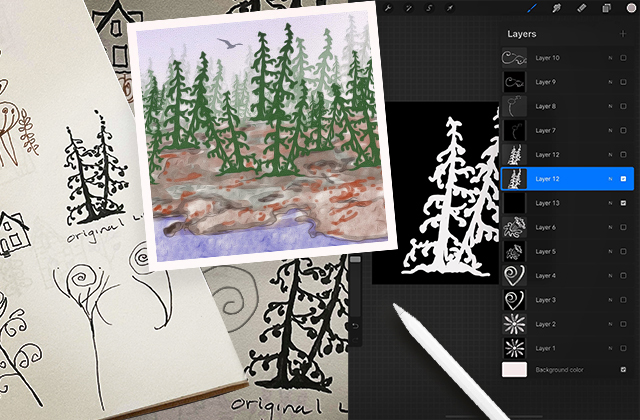
Lesley created the forest in this image with brushes originally drawn in her sketchbook. Some time ago, one of our Facebook group  members Lesley Lane Fenton made this charming illustration with organic shapes. I asked Lesley about the work and she told me that she created these shapes in Procreate by making her own brushes from drawings in her sketchbook. Lesley provided me with a quick description of how she makes the brushes but since then Procreate has had quite a few updates so I’ve added an up-to-date, step-by-step tutorial of how I would create a brush from a drawing in Procreate which you can read further down the page. Over to Lesley...

Lesley c...

Read More
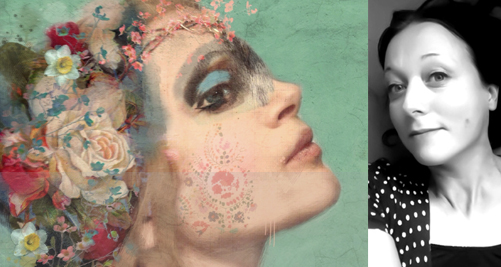
Sarah Jarrett Rocks

*** I originally published this article with collage artist Sarah Jarrett back in 2013 and today in 2022, the work still looks as fresh as it did almost 10 years ago so I thought it would be great to see it here again on the new website. Some of the apps Sarah uses maybe outdated or obsolete but the techniques are are still relevant to editing today.Sarah discusses the techniques behind 32 of her imagesTalented and unstoppable UK artist, Sarah Jarrett won the big prize of Mobile Photography Awards photographer earlier this year. Sarah has regularly delighted iPhoneographyCentral viewers with her enigmatic portraits and gorgeous english landscapes. She has always been especially generous in taking time to write detailed descriptions...

*** I originally published thi...

Read More

Using Text in Digital Art

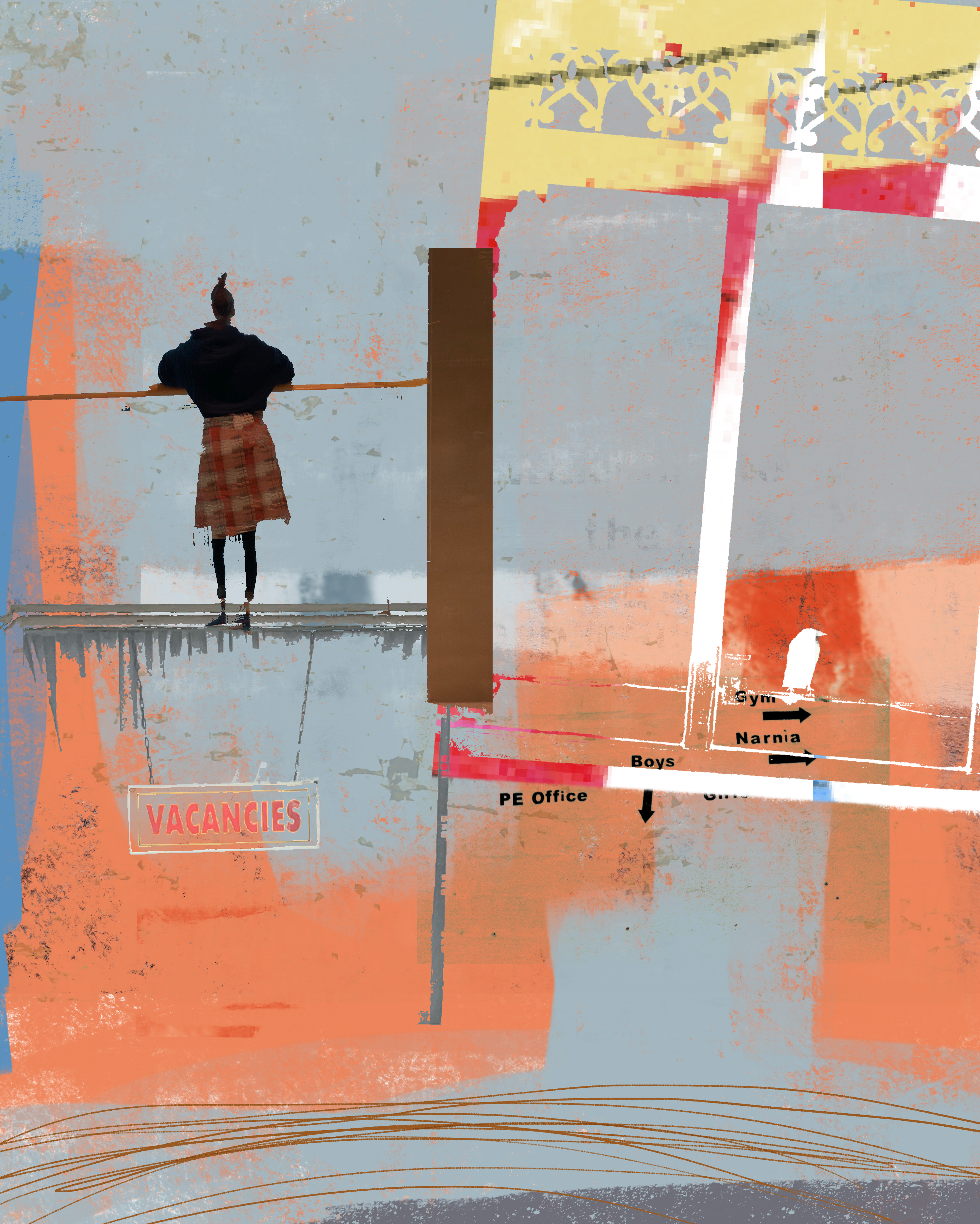
I can’t resist photographing lettering when I am out and about, and love to incorporate these “text-photos” into my digital art like the image “Boys Room” and “Getting the colour back #1” below. Shooting lettering and textures on boats in Weymouth Harbour, Dorset, UK. “Boys Room” (above) uses text from at least 3 different photos shot on my iPhone. The lettering in this image comes from two sources; a hotel vacancy sign and a photo I shot of some ad hoc signage I spotted during a local school visit. The images were blended together using Procreate on my iPad Pro. I have a huge text and lettering folder in my iPad photos library which houses all kinds of lettering both printed and handwritten. Samples of...

I can’t resist photographing l...

Read More

A Fine Line – best sketch apps for creating an outline from a photo

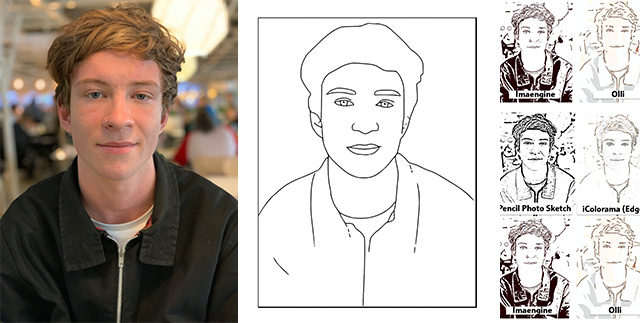
Do you know of a good OUTLINE app out there for creating thick, clean and stylised outlines like the image below created in PicsArt? – which is almost perfect by the way. You can see the original photo directly below this PicsArt outline. PicsArt does a fantastic job of turning photos into beautiful outlines although it does focus on the face and tends to lose details elsewhere. I’m obsessed with lines; quality of line and mark-making. For those of you have taken my online classes, you’ll know that I encourage a good scribble. It’s good for both getting to know your mark-making tools and it can be a real stress buster! I’m currently looking for a really good app that creates simple outlines...

Do you know of a good OUTLINE ...

Read More
iPhonegraphycentral

To Boldly and Beautifully go…

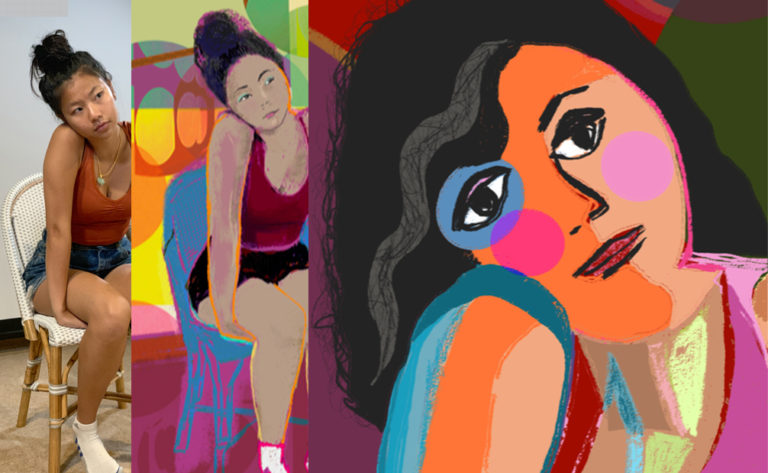
From iPhone photo to huge colour paper prints, iPhone artist Barbara Braman shares her workflow in this fascinating process of how she translates her digital images into luscious, colourful bold images on paper. While browsing the iPhoneographyCentral Flickr group a few weeks ago, one woman’s work really stood out in the Flickr Group. Barbara Braman’s incredibly beautiful bold and colourful images really took my breath away and after doing a little research, I was delighted to discover that she had also taken the trouble to learn a thing or two about printing and get her images, where they should be, out of the phone and into the real world by way of magnificent full-colour prints. By sheer coincidence, my second joyful discovery...

From iPhone photo to huge colo...

Read More
iPhonegraphycentral

How to create a smooth illustration style with iColorama

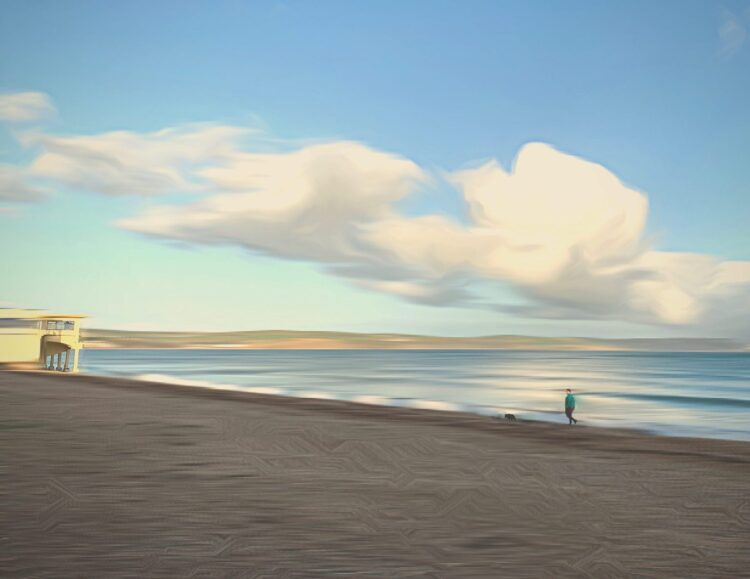
I love applying this smooth painterly look to photos. It works particularly well for minimalist landscape photos like this one taken of the beach near my home. iPhone photo converted to illustration style using iColorama effects.The effects I use in iColorama are perfect for creating a light, dreamy and happy mood which is generally my state of mind when I head out along the seafront for some fresh air.The first section of the video covers eliminating a few details with retouching work in Touch Retouch app but feel free to skip to the heart of the video where I apply the smooth style look in iColorama (about 6 minutes in).Enjoy the video.= Nicki =♥️📱🎨https://youtu.be/-arwcOZZa6Y...

I love applying this smooth pa...

Read More